
LIMS supports several types of sources such as lump sum, pay as cut, gatewood, etc. In this section we will create an OSP source (i.e. Outside/Gatewood source). Since gatewood is delivered to the yard by the seller, it is the simplest source type to conceptualize and set up.
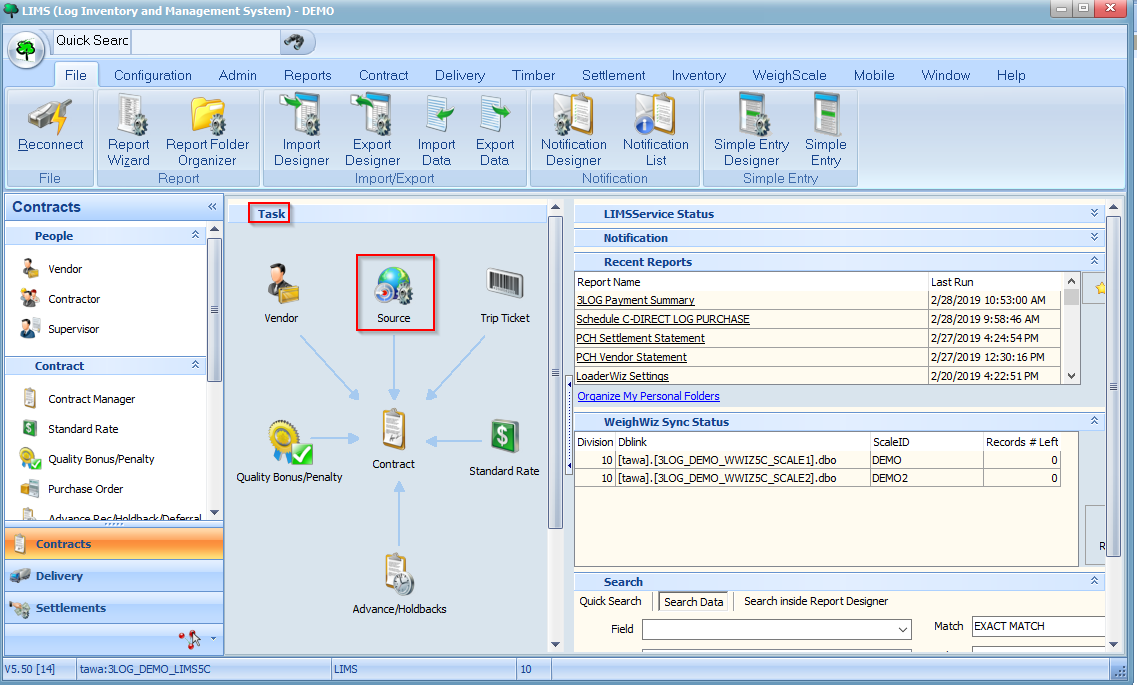
To begin setting up a source, click on the Source icon on the Task pane:
Alternatively, you may launch the Source screen by clicking on the Source button under the Timber menu:

You should now see a listing of sources in your system as shown below:
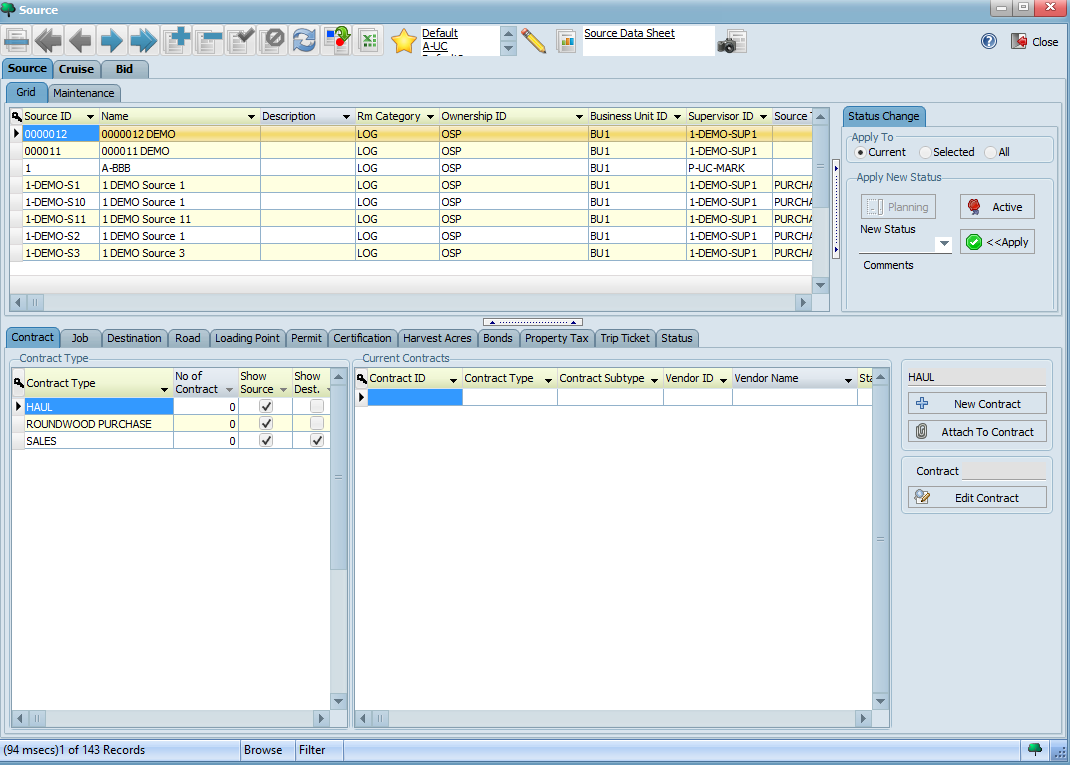
To begin creating a new source, click on the Maintenance tab of a source to toggle the detailed view of a record and then click the button on your toolbar. Create a source by filling in the fields below with the values indicated:


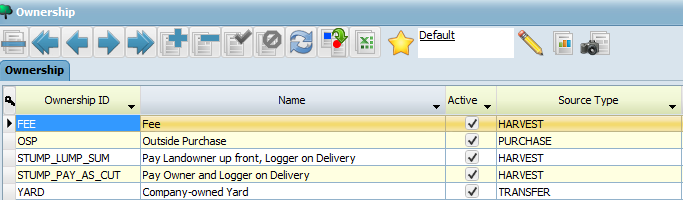
Note: If there are any other required fields based on how your LIMS system was set up, be sure to fill those in as well. Required fields have a yellow background.
Your completed form should look similar to the following:
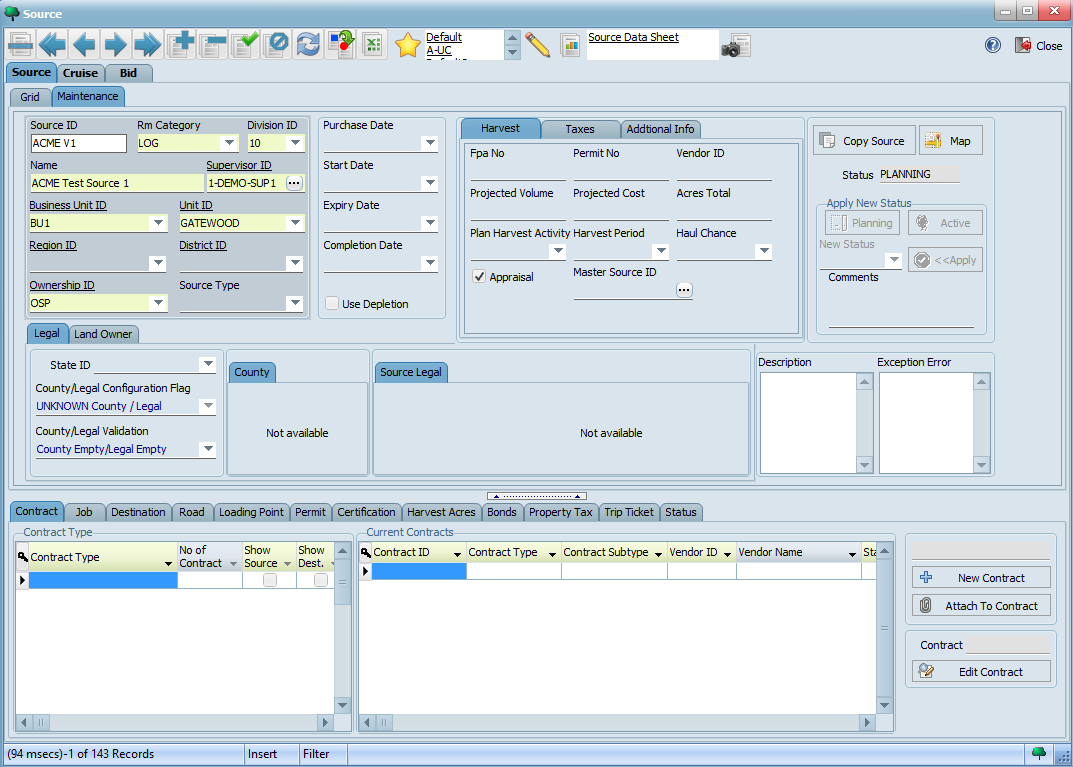
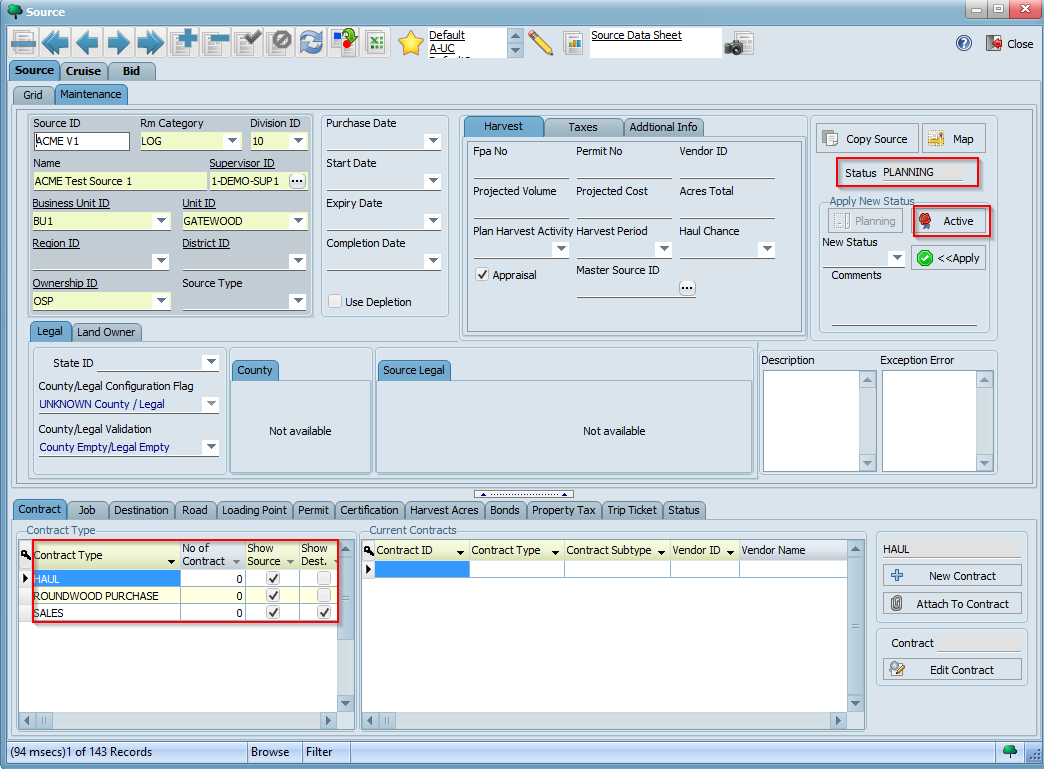
Click the button on the toolbar to save your changes. Observe how the available contract types for this source now appear on the bottom left hand corner. Note also that it is in PLANNING status by default. Click the ACTIVE button highlighted below to make it active:

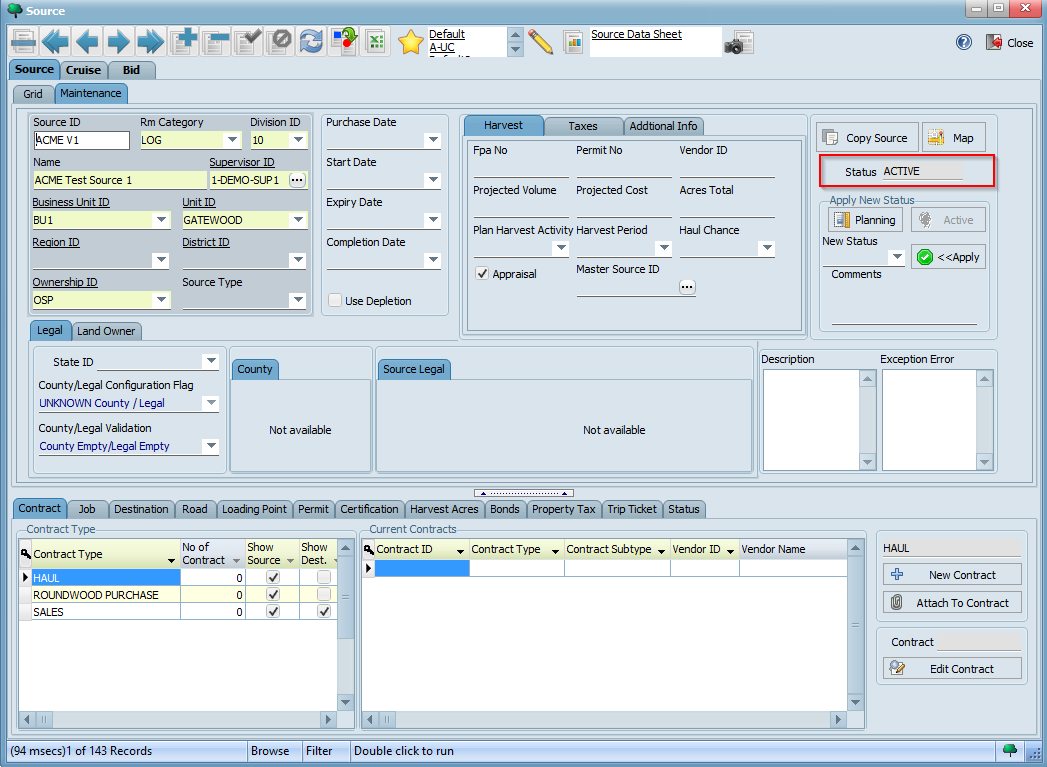
You source will now be in ACTIVE status and ready to start using in WeighWiz:
We are now ready to start creating a contract for our source.